
Will My Phone Work in Spain? Bands, Locks and What to Check
Almost every phone sold in the last decade works in Spain. The two things that actually stop people connecting are carrier locks and a misread setting — here is how to check both before you fly.
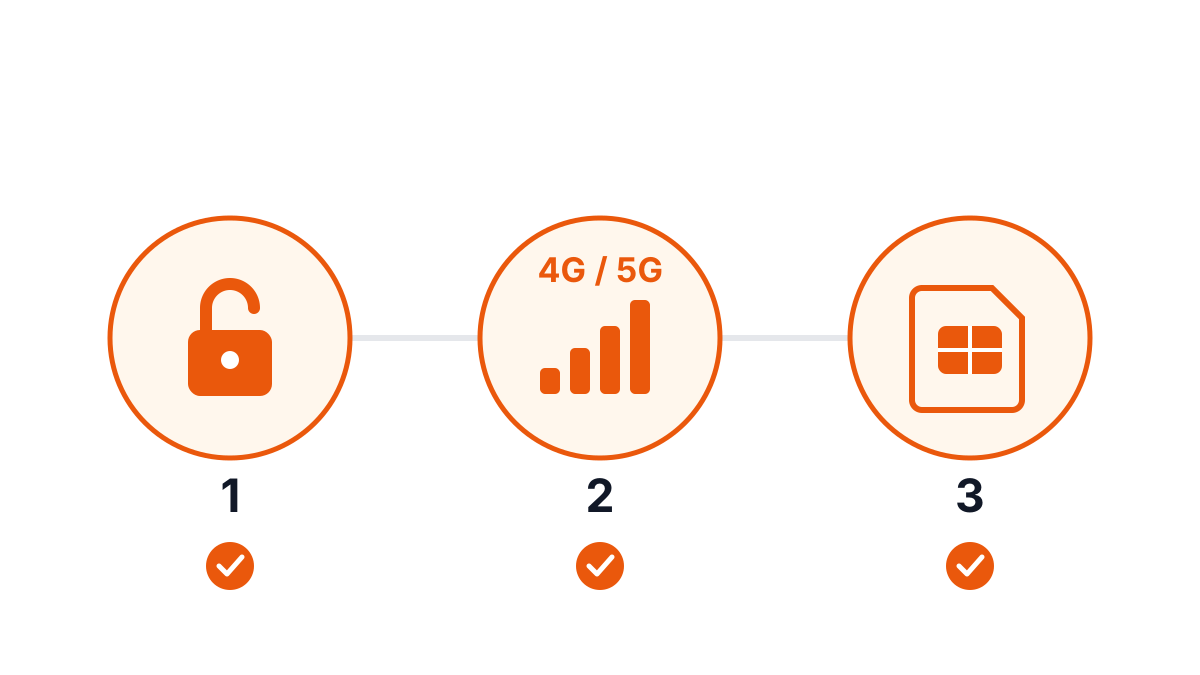
The short answer: if your phone was made in the last ten years and it is not locked to a carrier, it will work in Spain. The hardware is rarely the problem.
What actually goes wrong is more mundane — a carrier lock nobody checked, or a setting that quietly blocks data. Both are fixable, but only before you leave.
The one thing to check first: is it unlocked?
A carrier-locked phone will reject any SIM that is not your home network's, and no amount of fiddling with settings will change that.
On iPhone: Settings → General → About → scroll to Carrier Lock. You want "No SIM restrictions". Anything else means locked.
On Android: the wording varies by manufacturer, which makes it unreliable. The dependable test is to put a friend's SIM from a different network in and see whether it registers. Failing that, ask your carrier.
Most carriers will unlock a phone once it is paid off, but the process can take a few days and often requires an account holder to request it. This is the single most common reason a traveller lands in Spain and cannot connect — and it is unfixable once you are there.
An eSIM does not sidestep this. A locked phone rejects an eSIM profile exactly as it rejects a physical SIM.
Bands: almost certainly fine
Spanish networks use:
- 4G LTE — bands 3 (1800 MHz), 7 (2600 MHz), 20 (800 MHz)
- 5G — n78 (3.5 GHz), with some n28
Band 20 is the one worth caring about, because it carries the long-range rural coverage. Every European-market phone supports it, and so do all recent iPhones and Android flagships regardless of where they were bought.
The rare exceptions are older phones bought on a US carrier contract, some of which shipped without band 20. Such a phone still works in cities but drops out in the countryside. If yours is more than about six years old and came from a US carrier, it is worth searching its model number alongside "band 20".
eSIM compatibility is a separate question
Band support and eSIM support are different things. A phone can happily use Spanish networks via a physical SIM while having no eSIM hardware at all.
Broadly, eSIM works on iPhone XS and later, Google Pixel 3 and later, and Samsung Galaxy S20 and later — but there are real exceptions, including some region-specific variants sold in China and Hong Kong that omit eSIM entirely. We keep a maintained list on the eSIM compatible devices page.
If your phone does not support eSIM, nothing is lost — a physical Spanish data SIM does the same job, and a pocket WiFi hotspot sidesteps the question entirely by working with any device that has WiFi.
Three settings that cause "no data" panics
Once a working SIM or eSIM is installed and the phone still shows no data, it is nearly always one of these:
- Data roaming is off. On a foreign SIM, "roaming" may need to be enabled even though you are using a local network. Settings → Mobile Data → Mobile Data Options → Data Roaming.
- The wrong line is selected for data. On a dual-SIM phone, the phone may still be routing data through your home SIM — which is how people come home to enormous roaming bills despite having bought a local plan. Set the travel line explicitly as the data line.
- The APN is not configured. Rare on modern phones, which configure themselves, but if data refuses to start after everything else checks out, the APN is the thing to look at.
A pre-flight checklist
Do these while you still have your home connection:
- Confirm the phone is unlocked
- If using eSIM, confirm the model supports it and install the profile before you fly — installation needs internet
- Turn off your home carrier's data roaming to avoid accidental charges
- Screenshot any QR code or activation details, so they are readable without a connection
That covers the situations that actually strand people. The phone itself is almost never the issue.